Blog / Marketplace
Why Your Money Is Held Until Delivery: How Payments Work on Growa
Fake transfer alerts and unpaid deliveries are the two biggest fears in online trade. Here is how one-off payment accounts, held funds and payouts protect both buyers and farmers.
RootRise Team · · 8 min read
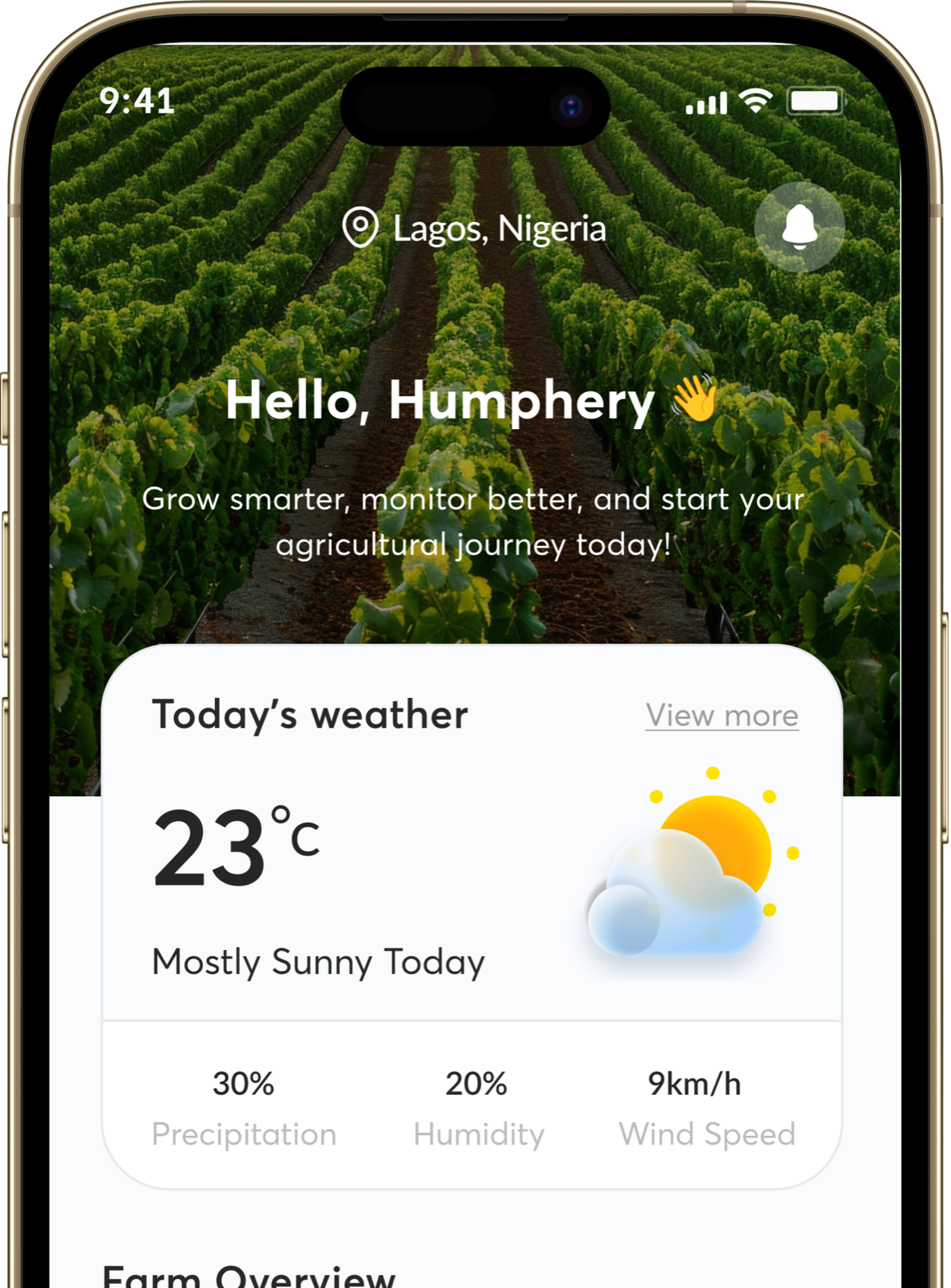
Online trade runs on one question: who goes first? If the buyer pays first, they worry the seller will never deliver. If the seller delivers first, they worry the buyer will never pay. In person, you solve this by handing over cash and produce at the same moment. Online, you need a system that does the same job.
This article explains the system we use on Growa, step by step, and why it is built the way it is. It is written for farmers who want to know when and how they are paid, and for buyers who want to know that their money is safe.
The two problems every seller and buyer worries about
The seller's problem: fake proof of payment. Anyone who has sold goods in Nigeria has heard the story. A buyer sends a screenshot of a "successful" transfer. It looks genuine. The seller hands over the goods. The money never arrives, because the screenshot was edited, the transfer was reversed, or the alert was never real. A busy farmer, loading a truck, cannot check a banking app at the same moment, and fraudsters rely on that.
The buyer's problem: paying a stranger. The buyer sends money to a personal account, and then waits. If the produce is not sent, or is not what was described, they have nothing to show for it except a transfer receipt and a long argument.
The solution to both is the same: neither side should have to trust a screenshot or a stranger's account number.
How a bank-transfer payment works
When a buyer chooses to pay by bank transfer, this happens.
- The order is placed. The buyer sees what they owe.
- The app creates a one-off account number for that order, with an exact amount. This is a real bank account number, generated for that single payment by our payment partner. It is not the farmer's personal account, and it is not reused.
- The buyer transfers the exact amount from any banking app or USSD code, to that account number.
- The payment is confirmed automatically. As soon as the bank reports that the money has arrived, the order is marked as paid. The buyer sees "Payment received" in the app, and the seller is notified.
- The seller accepts the order. A seller can accept a bank-transfer order only after the payment has landed.
A few details are worth understanding.
- Why one account per order? Because it tells us exactly which payment is for which order. If a buyer pays ₦6,400, we know it was for that order, not an older one.
- Why the exact amount? The account is created for that amount. A transfer that is too small is not released for the order. It is held for review so that nobody loses money by mistake, and our team will help sort it out.
- Why does the account expire? For security, the account number is valid for about twenty minutes. If you are late, ask for a new one in the app. A transfer that arrives just after an account expires is still picked up.
- Why can the seller not mark an order as paid? Because it removes the screenshot problem completely. The only thing that marks an order as paid is the bank's own confirmation, and nobody can fake that or press a button to bypass it.
Where the money goes after it arrives
Here is the part buyers care about most: the money is held until the order is delivered.
When a buyer's payment arrives, it is not sent to the farmer immediately. It is recorded as held. Only when the order is delivered does it become available to the farmer.
On a seller's payout screen, the money appears in four stages:
| Stage | What it means |
|---|---|
| Held | The buyer has paid, but the order has not been delivered yet |
| Available | The order was delivered, and the money is ready to be sent |
| On its way | A payout has been recorded and is being sent |
| Paid out | The money has been sent to your account |
This is the protection for the buyer. If the farmer does not deliver, or the produce is not as described, the money has not yet gone anywhere, so there is something to put right.
It also protects the farmer. A buyer cannot say "I never paid" or reverse the payment, because the money has already been confirmed and is waiting.
How and when farmers are paid
Once an order is delivered and the money becomes available, our team records a payout and sends it to the bank account you saved when you set up your store. At present payouts are processed by our team and not paid out instantly by software, so expect it to take a short while, not a few seconds. Your payout screen always shows what is held, what is available, and what has been sent.
Your payout account must be in your own name. When you save it, the app checks the account with the bank and shows you the account name the bank returns. That check means a mistyped digit cannot send your money to a stranger, and it stops accounts being saved under a name that is not yours.
What about cash on delivery?
Buyers can choose cash on delivery, and for some orders it is the right choice.
- The buyer pays the rider or farmer in cash when the order arrives.
- It never passes through the platform, so it never appears as held or available money. The farmer simply keeps it.
- It is simple, but it has none of the protection above: the buyer pays after inspecting, and the farmer must trust that the buyer will be there with the right amount.
If you are the farmer, cash on delivery is best for local, repeat buyers you know. For a first-time buyer in another town, a bank transfer is safer for you.
When something goes wrong
No payment system is perfect, so it helps to know what happens in the awkward cases.
A buyer pays the wrong amount. If it is too little, the payment is not released for the order and is flagged for review. Our team will contact the buyer to settle it. If it is too much, the order is still marked as paid, and the extra is raised with support.
A buyer pays twice. The order is paid once. The second payment is flagged so that it can be refunded.
An order is cancelled after payment. If the seller declines, or the buyer cancels while the order is still waiting for acceptance, any money already paid is flagged for a refund. Refunds are handled by our team, not automatically, so contact support with the order number if you do not hear back.
The produce is not as described. Photograph it straight away, tell the seller, and if you cannot agree, report a problem on the order. The money has not been released, which gives both sides a reason to agree.
A payment does not show up. Bank networks sometimes delay transfers. Wait a few minutes, check the app, and contact support with the order number and your bank's receipt if it is still missing.
Five rules for staying safe
- Pay only through the app. If a seller or buyer asks you to pay or be paid outside, for a "discount" or because "the app is slow", decline. Anything outside the app has none of these protections.
- Pay the exact amount shown, to the account shown. Never to an account number someone sends you in a chat.
- Never share your one-time codes or banking passwords with anyone, including anyone claiming to be support. We will never ask for them.
- Sellers: never release goods on a screenshot. Wait for the order to show as paid in the app.
- Keep your records. Order numbers, photos and receipts make every dispute faster to resolve.
Why we built it this way
We could have made payment simpler: let sellers share their own account numbers and trust each other. Many marketplaces do. But the cost of that simplicity is paid by the people with the least room for error, which is a farmer who delivers a truckload and does not get paid, or a first-time buyer who loses a week's food budget.
Holding the money until delivery is a small delay for the farmer and a large reassurance for the buyer. For a marketplace that wants strangers to trade with each other, that exchange is worth making. You can see how it looks in practice on the Growa Marketplace and Growa Vendor pages.